Nobody wakes up excited to do bookkeeping. Receipts stack up, numbers get confusing, and somehow tax season always shows up sooner than expected. It’s messy, time-consuming, and honestly… frustrating.
That’s where bookkeeping software changes the game.
Instead of drowning in spreadsheets, you can automate the hard part. Connect your bank account, and the software starts organizing your finances for you: tracking expenses, categorizing transactions, and keeping everything clean and accurate. Whether you’re running a solo business or managing a growing team, the right tool can save you hours every week and give you complete clarity over your money.
In this guide, we’ll break down what bookkeeping software actually does, how it compares to a human bookkeeper, and which tools are truly worth your investment. Let’s dive in.
The Biggest Challenges Bookkeepers Face
Running the books sounds simple until you’re actually doing it every week. Bookkeepers juggle constant data entry, shifting tax rules, and the nagging fear that one missed transaction throws off an entire quarter’s numbers.
Add in multiple bank accounts, late invoices, and payroll deadlines, and it’s easy to see why so many small business owners fall behind on their financial record management within the first few months of starting.
Technology has eased some of that burden, but it hasn’t erased it. Even with bookkeeping tools in place, businesses still run into recurring pain points that slow down accurate reporting and create stress around tax season. Here’s a closer look at three of the most common ones.
Manual data entry errors
Typing numbers by hand invites mistakes, and even a single misplaced decimal can throw off a balance sheet. Manual entry also eats up time that business owners could spend on actual operations instead of retyping receipts into a spreadsheet.
Automated expense tracking tools solve much of this by pulling transactions directly from linked bank accounts.
Staying compliant with changing tax rules
Tax regulations shift often, and keeping up with new deduction rules or filing deadlines becomes its own part-time job. Businesses without reliable tax preparation software risk filing late or missing deductions they actually qualified for, which costs real money over a year.
Managing cash flow visibility
Many business owners don’t know their exact financial position until month-end, by which point it’s too late to fix a shortfall. Real-time dashboards inside modern financial reporting tools give a clearer, ongoing picture of incoming and outgoing cash, so problems get caught early instead of during a painful year-end review.
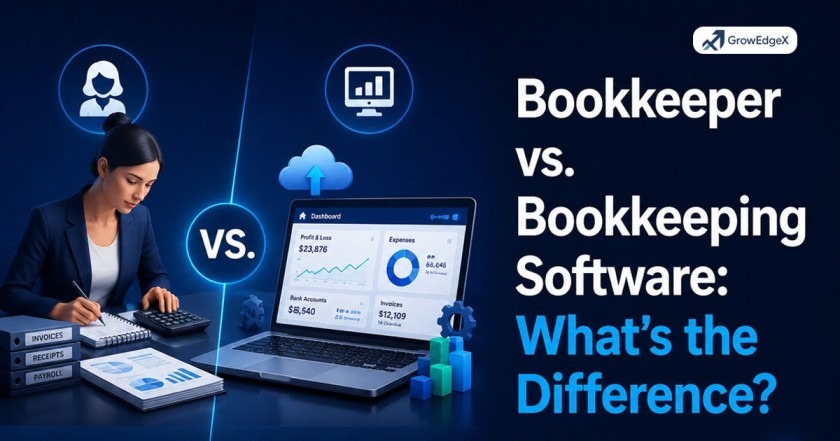
Bookkeeper vs. Bookkeeping Software: What’s the Difference?
| Feature | Bookkeeper (Human) | Bookkeeping Software |
| Definition | A professional who manually manages financial records | A digital tool that automates financial tracking |
| Cost | Higher (monthly salary or hourly fee) | Lower (monthly subscription) |
| Accuracy | High, but depends on human input | High, with fewer manual errors due to automation |
| Speed | Slower (manual processes) | Fast (real-time updates and automation) |
| Availability | Limited to working hours | 24/7 access anytime, anywhere |
| Scalability | Needs more staff as business grows | Easily scales with your business |
| Automation | Minimal | High (auto-categorization, reports, syncing) |
| Customization | Personalized advice and support | Limited to software features |
| Human Insight | Strong (financial advice, strategy) | Limited (data-focused, not advisory) |
| Ease of Use | No learning needed (handled by expert) | Requires basic setup and learning |
| Error Handling | Can identify complex issues | May miss context-based errors |
| Best For | Businesses needing expert financial guidance | Small to medium businesses wanting efficiency |
A bookkeeper gives you human expertise and insights, while bookkeeping software gives you speed, automation, and cost savings. Many businesses use a mix of both for the best results.
Bookkeeping vs Accounting Software: How to Tell Them Apart
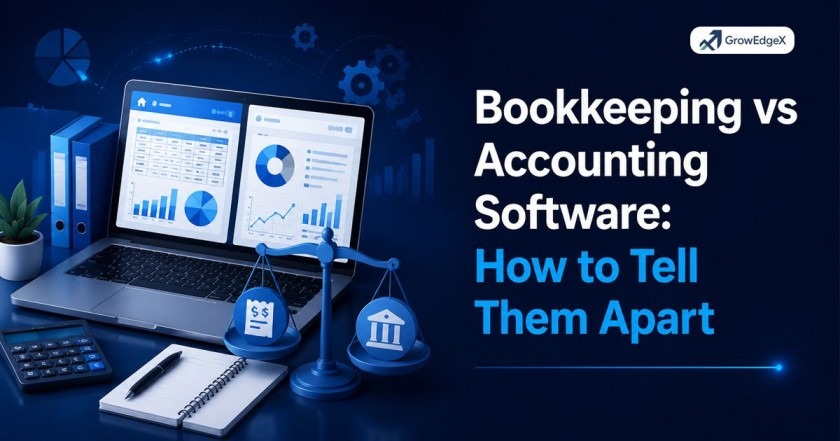
People often use “bookkeeping” and “accounting” interchangeably, but the software built for each does slightly different jobs. Bookkeeping software focuses on the day to day recording of transactions, things like sales, expenses, and bank deposits. It’s the foundation layer that captures every dollar moving through your business.
Accounting software builds on top of that foundation, adding deeper analysis like financial forecasting, tax strategy, and detailed financial statements. Many modern platforms actually combine both functions into a single digital accounting platform, so the line has blurred over the years. Still, if you’re comparing tools, ask whether a platform simply tracks transactions or also generates the deeper insights an accountant would use to guide business decisions.
| Feature | Bookkeeping Software | Accounting Software |
| Primary focus | Recording daily transactions | Analyzing financial data |
| Common tasks | Expense tracking, invoicing | Forecasting, tax strategy |
| Best for | Day to day operations | Strategic financial planning |
| Example output | Transaction ledger | Profit and loss statement |
Should I Use Paid or Free Bookkeeping Software?
This question comes down to how complex your finances already are. Free tools work fine for solo freelancers or very early-stage businesses with simple, low-volume transactions. They cover the basics: invoicing, expense tracking, and simple reports, without costing a dime. The catch is that free plans usually cap the number of clients, invoices, or bank connections you can use each month.
Paid platforms unlock features that matter once a business starts scaling, like automated bank reconciliation, payroll integration, and multi-user access for a growing team. A business accounting platform with a monthly fee often pays for itself quickly through time saved and fewer costly mistakes. If your business handles inventory, multiple revenue streams, or requires detailed financial reporting tools, a paid plan is almost always worth the investment.
How Do You Choose the Right Bookkeeping Software for Your Business?
Picking the right platform starts with an honest look at your business size and complexity, not just the flashiest feature list. A freelancer sending five invoices a month has very different needs from a retail shop managing inventory and payroll.
Start by listing the tasks you actually need automated, whether that’s accounts payable automation, accounts receivable management, or simple expense categorization.
From there, weigh cost against growth potential. A cheap tool that can’t scale with you means another painful migration down the road, so look for scalable bookkeeping solutions that can grow alongside your business.
Check integration options too, since a platform that connects smoothly with your bank, payroll provider, and tax software saves enormous time compared to one that requires manual exports and imports.
15 Bookkeeping Software Options Worth Knowing
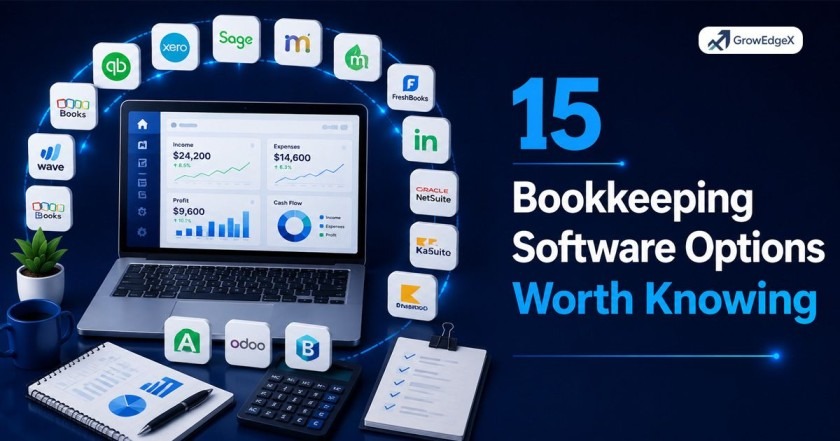
The bookkeeping software market has grown crowded, and each platform tends to specialize in a slightly different type of business. Below is a neutral rundown of 15 well-known tools, covering everything from free starter platforms to enterprise-grade ERP accounting solutions.
| Software | Best For |
| QuickBooks Online | Businesses working closely with a CPA |
| Xero | Growing businesses needing unlimited users |
| FreshBooks | Freelancers and service-based businesses |
| Wave | Solopreneurs wanting a free option |
| Zoho Books | Businesses already using Zoho apps |
| Sage Accounting | Companies needing payroll and compliance tools |
| NetSuite | Enterprises needing full ERP functionality |
| Kashoo | Micro businesses wanting simple bookkeeping |
| AccountEdge | Businesses wanting desktop-based control |
| Bench | Owners wanting software plus human bookkeepers |
| Neat | Businesses focused on receipt and document management |
| ZipBooks | Startups wanting a clean, simple interface |
| OneUp | Businesses needing inventory and CRM tools |
| GnuCash | Budget-conscious users wanting open source software |
| Sunrise | Freelancers wanting basic invoicing and reports |
QuickBooks Online
QuickBooks Online remains one of the most widely used online accounting software platforms in the US, largely because so many CPAs and bookkeepers already know it inside and out. It covers invoicing, expense tracking, and payroll integration, plus connections to hundreds of third-party apps.
Xero
Xero appeals to growing businesses that need unlimited user seats without paying extra per person. Its clean interface and strong bank feed automation make it a favorite among companies scaling past the solo founder stage.
FreshBooks
FreshBooks focuses heavily on invoicing and time tracking, which makes it a strong fit for freelancers and consultants who bill by the hour or project. Client-facing invoices look polished right out of the box.
Wave
Wave gives away core bookkeeping features for free, including invoicing and expense tracking, making it one of the most accessible freelance bookkeeping software options for very small operations. Paid add-ons cover payroll and payment processing.
Zoho Books
Zoho Books fits naturally into a business already using other Zoho products, since everything syncs together automatically. It handles invoicing, expense tracking, and inventory at a competitive price point.
Sage Accounting
Sage brings a long track record in payroll and compliance-heavy industries, offering integrated payroll and accounting systems built for businesses that need consistent, real time financial oversight.
NetSuite
NetSuite operates as a full ERP accounting solution, built for larger companies that need multi-entity consolidation and complex revenue recognition. It’s overkill for a small shop but powerful for scaling enterprises.
Kashoo
Kashoo strips bookkeeping down to the essentials, appealing to micro businesses that want straightforward transaction tracking without a steep learning curve.
AccountEdge
AccountEdge offers a desktop-based alternative for business owners who prefer keeping financial data stored locally rather than fully in the cloud.
Bench
Bench pairs its own software with a team of human bookkeepers, blending automated tracking with expert review, a hybrid approach that appeals to owners who want extra reassurance.
Neat
Neat centers around document and receipt management, automatically extracting data from scanned receipts to reduce manual entry for expense-heavy businesses.
ZipBooks
ZipBooks keeps its interface simple and modern, which suits startups that want an easy-to-use platform without a long onboarding process.
OneUp
OneUp bundles inventory management and light CRM features alongside standard bookkeeping, useful for product-based businesses tracking stock alongside cash flow.
GnuCash
GnuCash is a free, open source option for budget-conscious users comfortable with a more technical setup process in exchange for zero licensing costs.
Sunrise
Sunrise, by Lendio, offers straightforward invoicing and reporting, aimed at freelancers who want simple software without a lot of extra bells and whistles.
Explore More Insights: Is accounts payable a liability?
Get Expert Help Setting Up Your Bookkeeping Software With GrowEdgeX
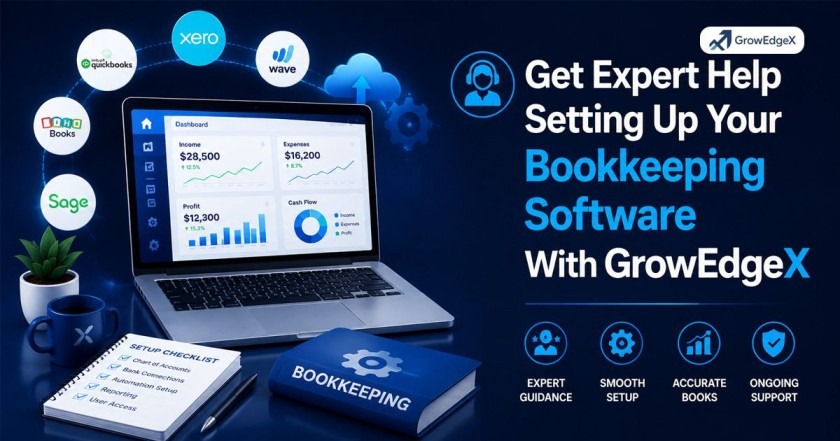
Picking software is only half the battle. Setting it up correctly, connecting your bank feeds, and configuring reports the right way takes real technical know-how, and that’s where GrowEdgeX steps in. As a trusted technology partner, GrowEdgeX helps US businesses choose, implement, and integrate the right automated bookkeeping systems for their specific industry and size, saving owners from the trial and error most people go through alone.
Beyond setup, GrowEdgeX supports ongoing system management, so your cloud bookkeeping solutions stay accurate, secure, and properly connected to your other business tools. Instead of wrestling with software manuals or watching tutorial videos for hours, businesses get a dedicated technical partner handling the heavy lifting from day one.
How GrowEdgeX simplifies software setup
GrowEdgeX starts with a review of your current financial processes, then recommends and configures a platform that actually matches your workflow instead of forcing you into a generic template.
The team handles bank connections, chart of accounts setup, and integration with payroll or invoicing tools, so everything works together smoothly from the first login.
Ongoing support for growing businesses
As your business grows, your bookkeeping needs change too, and GrowEdgeX stays involved to adjust your systems along the way.
Whether that means adding new business finance management features, migrating to a more powerful platform, or troubleshooting an integration issue, the team provides steady support so your books never fall behind.
FAQ’s
How much does bookkeeping software cost for a small business?
Most small business plans range from free for very basic tools up to around 30 to 70 dollars a month for full-featured platforms, with enterprise options costing considerably more based on company size.
Can bookkeeping software replace a CPA at tax time?
Software organizes your records and generates reports, but most businesses still benefit from a CPA reviewing filings, especially once deductions and tax strategy get more complex.
Is QuickBooks still the best accounting software in 2026?
QuickBooks remains extremely popular, especially among businesses working with outside accountants, though newer platforms like Xero and Zoho Books have closed the feature gap significantly.
How long does it take to switch bookkeeping software?
A straightforward migration usually takes a few days to a couple of weeks, depending on how much historical data needs transferring and how many integrations require reconnecting.
Do I need bookkeeping software if I only have a few transactions a month?
Even low-volume businesses benefit from software, since it keeps records organized and tax-ready without relying on memory or scattered paper receipts.
Conclusion
Bookkeeping software has become essential for US businesses that want accurate records without drowning in manual data entry. From free starter tools to full enterprise platforms, there’s an option suited to nearly every budget and business size.
The right choice depends on your transaction volume, growth plans, and how much automation you actually need day-to-day.
Pairing solid bookkeeping software with expert setup support, like the kind GrowEdgeX offers, gives your business a stronger financial foundation from the very start. Take time comparing your options, and you’ll find a system that keeps your books clean and your stress levels low.